

Pickup planned around your flight
Your flight number and arrival time help the operations team prepare the pickup.
Compare vehicle prices for your journey to Antalya city, Lara and the resort coast and book with secure online payment.
Choose your destination, pickup time and passenger count. Compare vehicle classes and total fares before entering passenger details. Successful payment confirms your booking. Popular destinations include Antalya city centre, Lara, Belek and Kemer.
Your flight number and arrival time help the operations team prepare the pickup.
Compare capacity, luggage space and the full vehicle price before payment.
Driver, vehicle and transfer progress remain visible while your journey is active.
For transfers paid on Bookvion, your booking is confirmed after successful payment. We email your private ticket link. Driver assignment is a separate step; the details appear in your ticket once assigned.
Check your private ticket for pickup instructions. Driver and vehicle details appear after assignment; contact support if your meeting point is unclear.
Add your flight number so the team can follow the arrival and update the pickup plan.
Yes. These and other hotels, towns and street addresses can be selected directly in the search form.
Check whether you arrive at International Terminal 1, International Terminal 2 or the domestic terminal. Confirm your terminal with your airline and the airport’s current information before travelling; do not choose a meeting point from an old airline terminal list.
Enter the full hotel name and address for Lara, Kundu, Belek, Side, Kemer or Alanya. A resort name alone may cover several hotel areas, so the exact address helps match the route and fare to your stay.
Enter the flight number and local arrival date for the flight that lands at your pickup airport. If you connect in Türkiye, use the final arriving flight rather than the first flight of your journey.
Count every passenger, including children, and check the luggage capacity shown for the vehicle. Add any child seats during booking and review their price before payment.
Save your Bookvion digital ticket before travelling. After arrival formalities and baggage collection, follow the meeting instructions on your ticket. Use the driver contact shown there once a driver is assigned if you need help finding the pickup point.
Yes. Include every adult, child and baby in the passenger count when you search. Choose a vehicle with enough passenger capacity for the whole group.
Select the number of child seats in the booking form and add each child’s age in the notes. Review the extra charge before payment. If you need a particular seat type or more seats than the form allows, contact support before paying to confirm the arrangements.
Compare the luggage capacity on the vehicle card and enter the number of bags in the booking form. Describe a stroller or oversized item in the notes, including its dimensions when folded. The bag count alone does not confirm space for every item; contact support before paying if you are unsure.
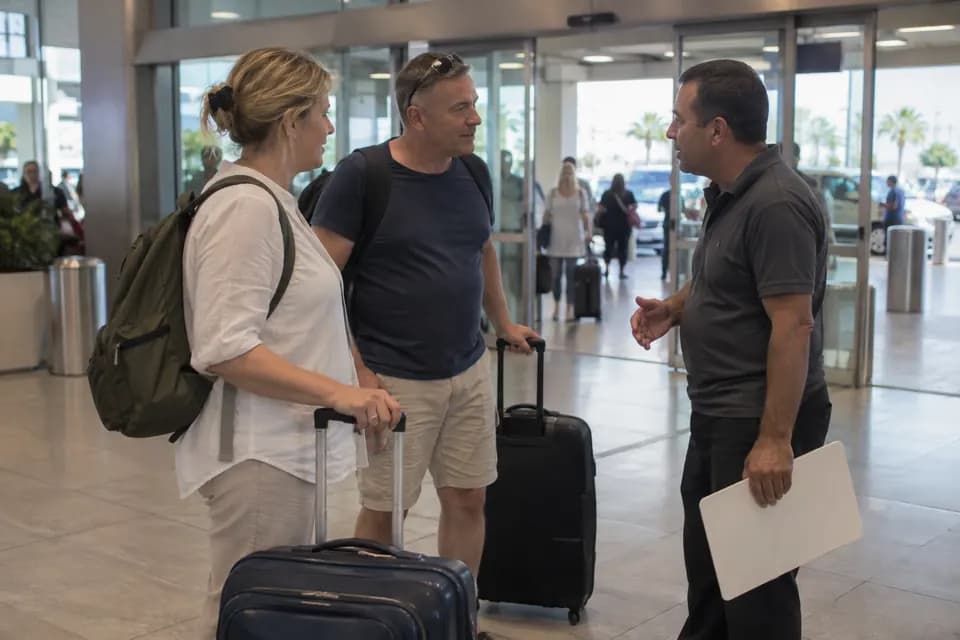
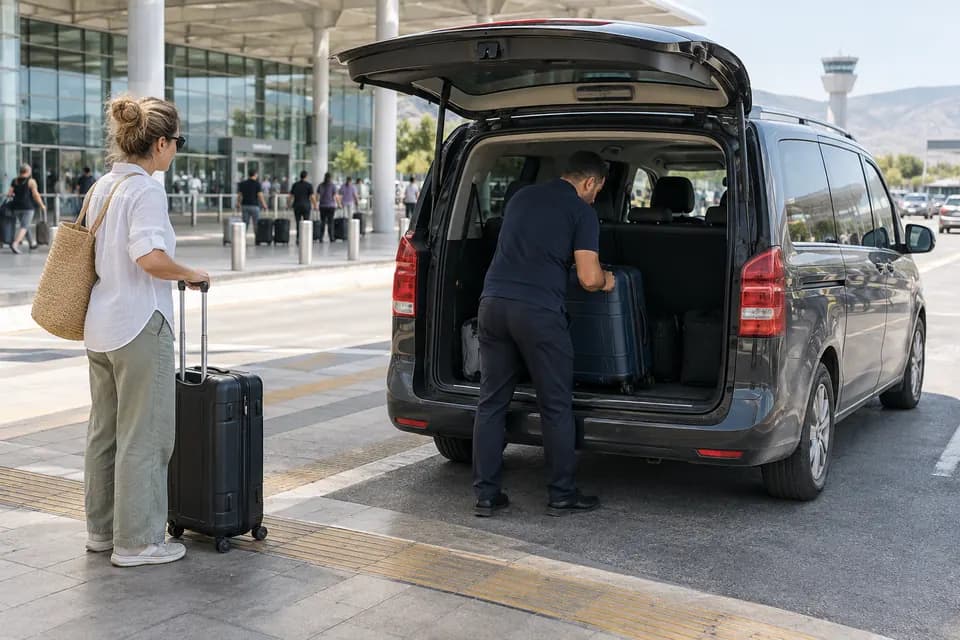
AI illustrations. These do not show our actual fleet or team.

Choose your route, compare total fares and book with secure online payment.
Pickup instructions and assigned driver details are available in your private ticket.
Keep your booking, payment and assigned vehicle details in one place.
AI illustrations. These are not photos of actual customers, vehicles or staff.
From solo airport rides to larger groups, compare comfort and capacity before you book.
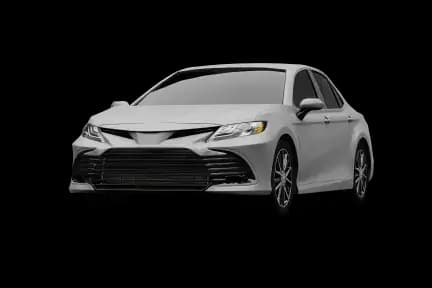
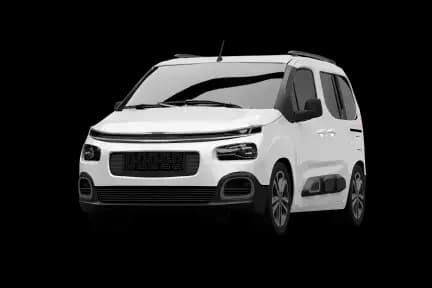

An executive private car for business trips and special arrivals.
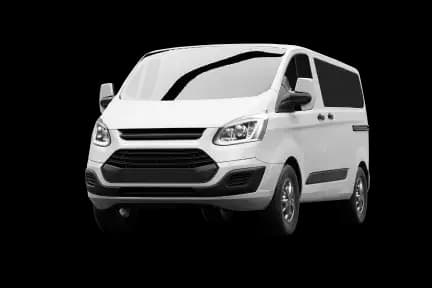
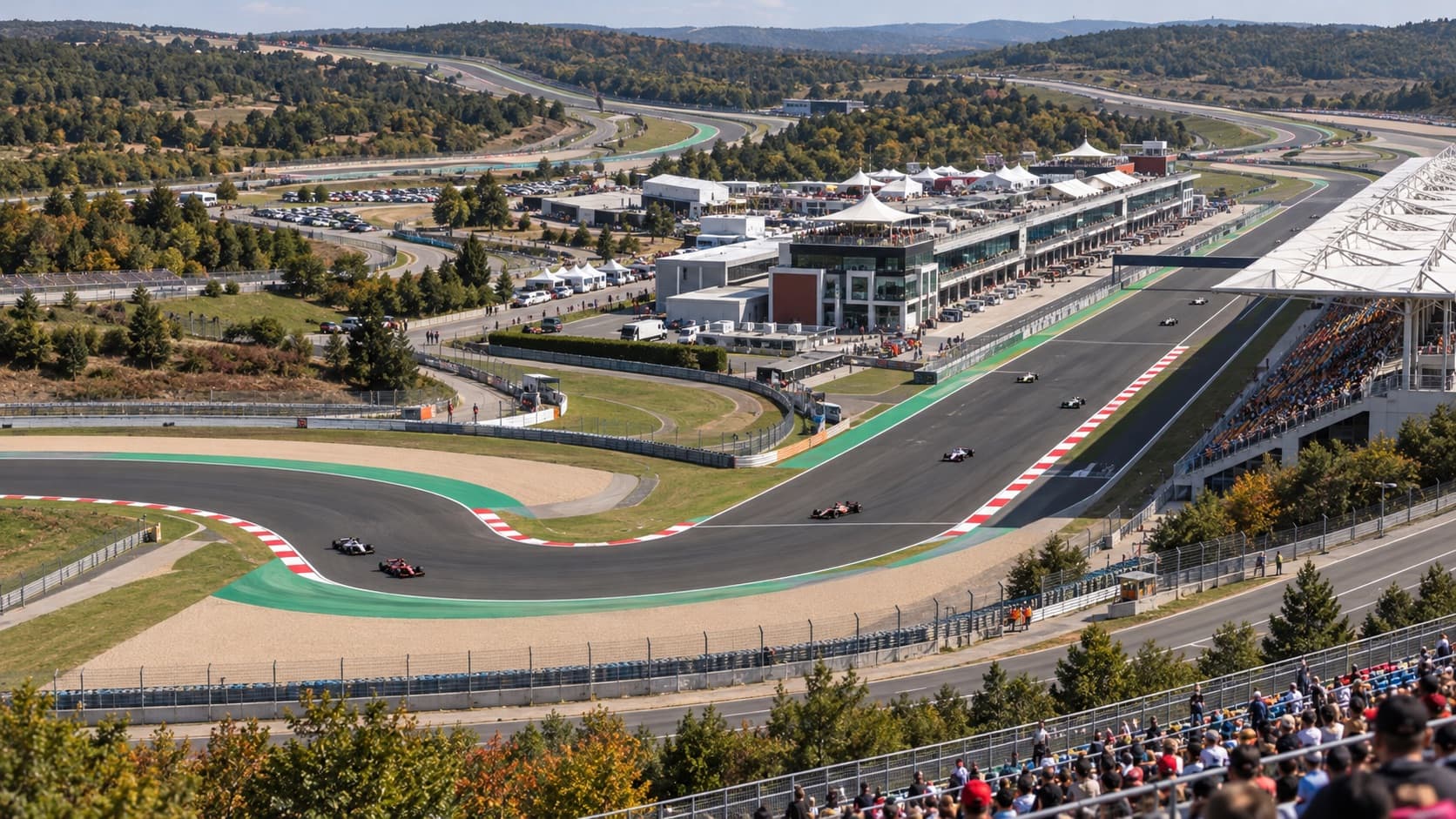
Plan a hotel-to-Istanbul Park transfer for the 1–3 October 2027 Turkish Grand Prix. See confirmed dates, pickup planning and what is still to be announced.
Read guide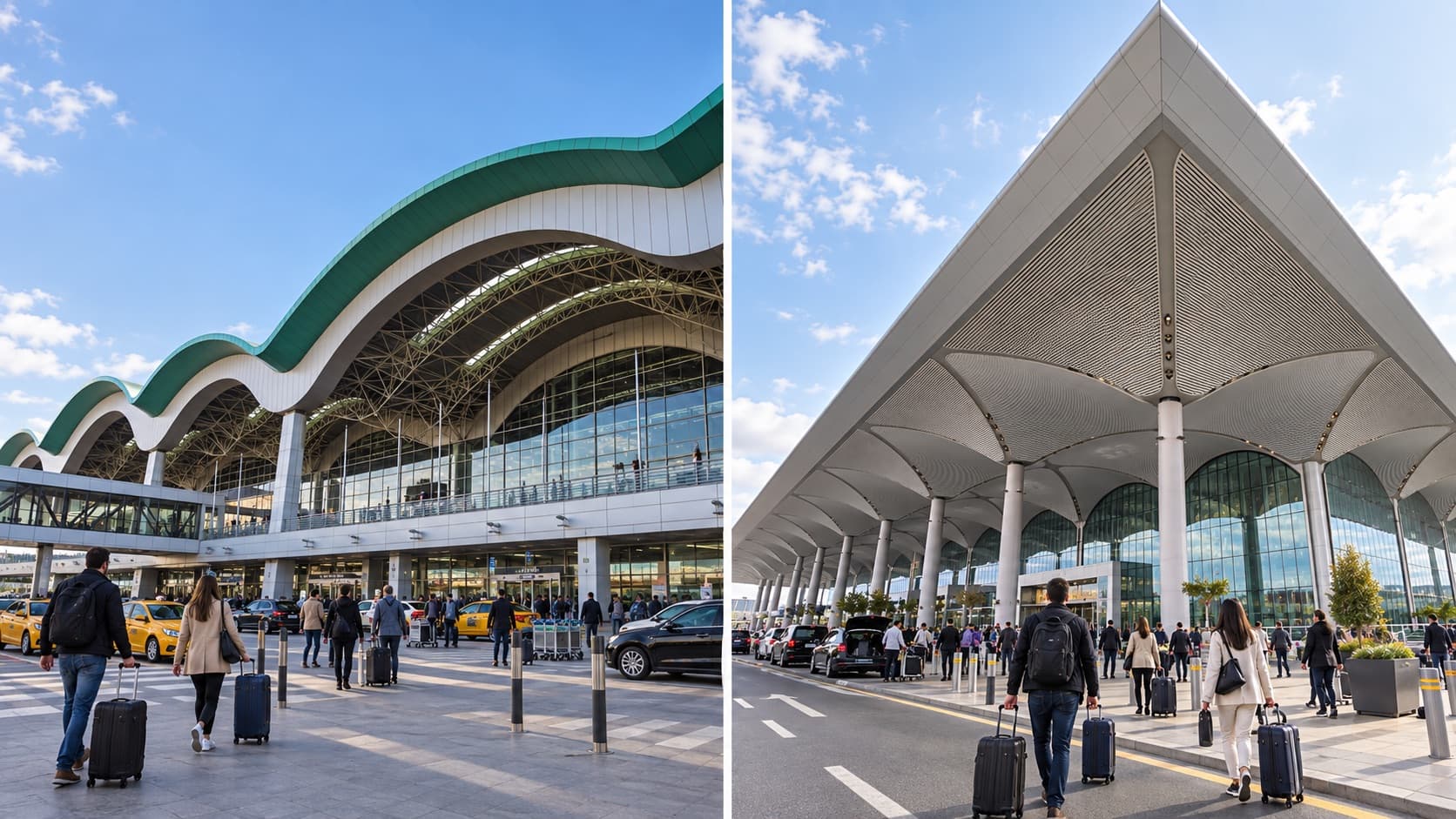
Compare Sabiha Gökçen and Istanbul airports for a trip to Istanbul Park. Distances, hotel location and transfer planning for the 2027 Turkish Grand Prix.
Read guideChoose an airport and a popular destination to prepare your search in one tap.
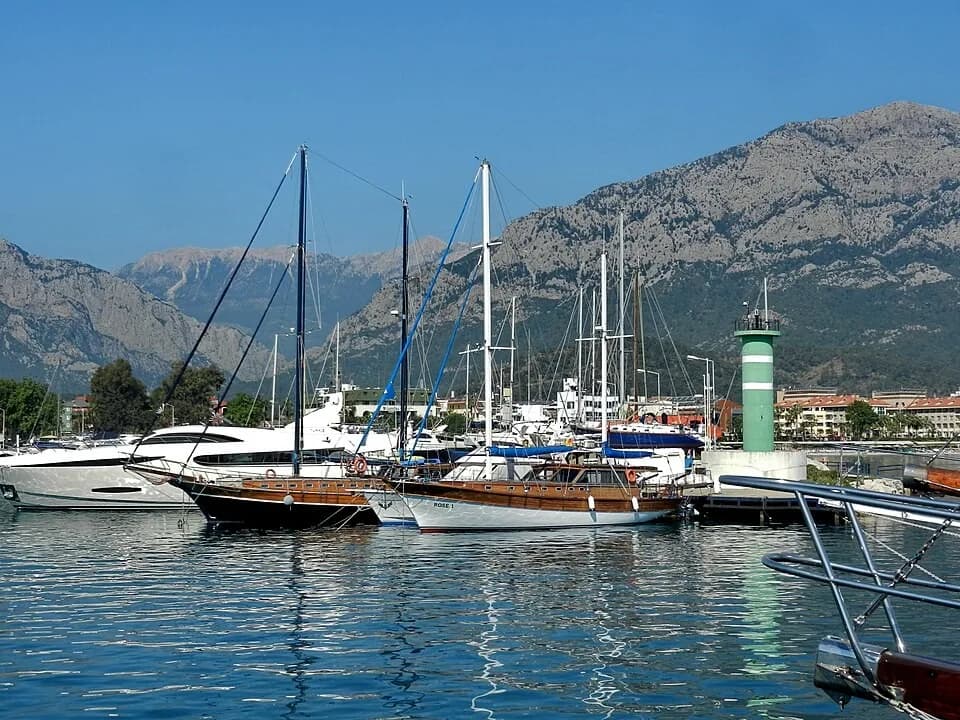
Photos from Wikimedia Commons, resized and cropped for display. Each photo retains its original license.
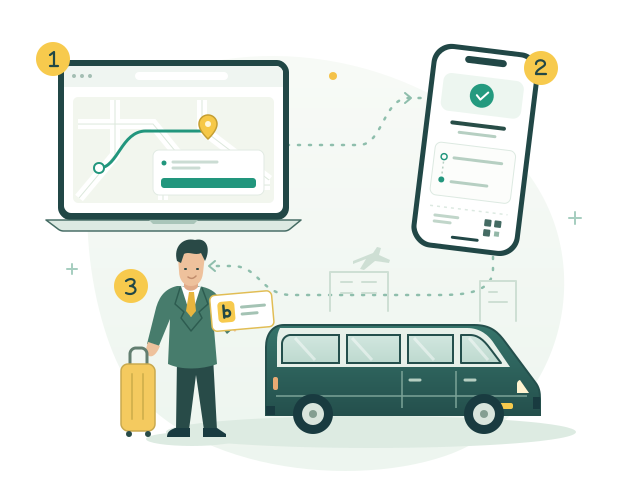
Choose your route and vehicle, add your travel details and pay securely online.
Your ticket link arrives by email. Pickup instructions and driver details appear there once assigned.
Go to the meeting point shown on your ticket. Your driver will take you straight to your destination.